How to Work Remotely from Southeast Asia: The Full Setup Guide
SEA remote work setup: visas, SIM cards, banking, VPN, insurance, and timezone strategy.
Posted by
 Basti
Related reading
How to Stay Fit While Traveling: A Digital Nomad's Training Guide
Maintain fitness while nomading: gym research, bodyweight backup, protein, and 3x/week routine.
Best Gyms in Bali: Uluwatu, Ubud and Canggu Tested
Personal gym picks in Bali for nomad athletes: Bambu Fitness, CrossFit Ubud, and day pass costs.
Best Coworking Spaces in Bali 2026 (Tested and Ranked)
Tested Bali coworking across Canggu, Ubud, and Uluwatu. WiFi, prices, vibe, and cafe alternatives.
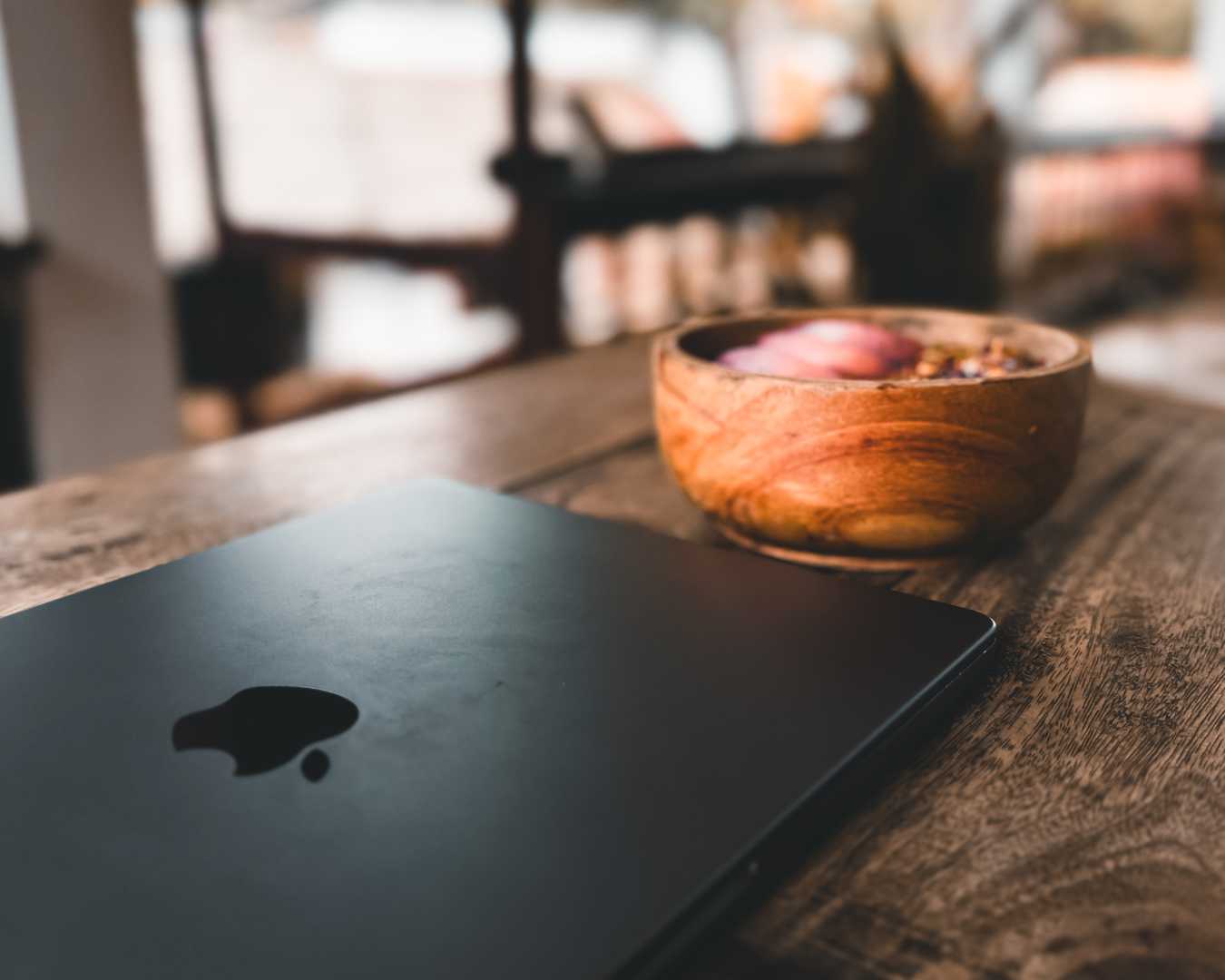
The full remote work setup for Southeast Asia
I have worked remotely from Bali and Sri Lanka since 2022, with Vietnam and Thailand on my 2026 route. Southeast Asia is the default region for location-independent workers, but the practical setup trips people on their first month.
Visas, SIM cards, banking, VPNs, power outages, and timezone math are not glamorous topics. They determine whether your nomad experiment lasts three weeks or three years. This is the full stack I actually use.
Planning more of this trip? See our Cost of living comparison for the next layer of detail.
Visas by country
Indonesia (Bali): Visa on arrival gives 30 days, extendable once for another 30. Longer stays require visa agents or newer remote work visa pathways. Verify 2026 rules before booking six-month leases.
Thailand: Tourist visa 60 days with extensions possible. DTV (Destination Thailand Visa) launched as a multi-year remote work option. Research current income requirements.
Vietnam: 90-day e-visa for most Western passports. One of the simplest SEA entry processes in 2026.
Sri Lanka: ETA online, 30 days extendable to six months through Colombo immigration.
Working on tourist visas is common and legally grey. Understand your risk tolerance and check official sources.
SIM cards and mobile data
- Bali: Telkomsel has the best coverage in my experience. Buy at airport or official stores. Data packages are cheap.
- Thailand: AIS or TrueMove. Both work well in cities. Tourist SIM kiosks at Bangkok airport.
- Vietnam: Viettel or Vinaphone. Excellent urban speeds, widely available.
- Sri Lanka: Dialog. Best coverage nationwide.
Use mobile data as backup when cafe WiFi fails mid-call. Tethering from phone saves more workdays than any coworking membership.
Banking and money
Wise and Revolut are the standard nomad banking stack. I use both: Wise for receiving client payments, Revolut for daily spending and ATM withdrawals.
Notify your home bank before leaving. Set travel notices on credit cards. ATM fee strategy matters: BCA ATMs in Bali often have lower fees than random tourist ATMs.
Carry two cards from different networks. One card eaten by an ATM in rural Sri Lanka is not theoretical. It happened to someone in our guesthouse.
VPN for banking and security
A VPN matters in SEA specifically for accessing home country banking, streaming, and some corporate tools that geo-block Asian IPs.
I connect through my home country before logging into German banking apps. Without VPN, some European banks block login attempts from Indonesian IPs.
Choose a VPN with reliable servers in your home region. Free VPNs are too slow for work. Paid services worth the $5 to $10 monthly.
Power and backup
Power cuts happen in Bali, Sri Lanka, and parts of Thailand during storms or infrastructure strain. A 20,000mAh power bank is essential equipment, not optional gear.
Ask accommodation about backup generators before monthly booking. Coworking spaces usually have backup power. Villas in Ubud may not.
I lost one client call to a blackout in Ella. Never again without charged power bank and phone hotspot ready.
Timezone strategy
Bali and Thailand run GMT+7. Vietnam is GMT+7. Sri Lanka is GMT+5:30.
For European clients: afternoon and evening SEA time covers European business hours well. Morning SEA works for late EU meetings.
For US East Coast clients from Bali: early morning calls (7 to 9 a.m. Bali) align with US evening. US West Coast is more painful. Consider Da Nang or Thailand if US hours dominate your calendar.
Health insurance
Travel insurance or dedicated nomad health policies are non-negotiable. SafetyWing and similar providers cover emergency medical, evacuation, and some routine care.
Save your insurance card PDF offline. Store policy number in your document vault. Colombo and Bangkok have excellent private hospitals if something serious happens.
Budget $40 to $80 monthly for insurance in your cost-of-living calculations.
Accommodation WiFi checklist
Before booking monthly accommodation, ask for a screenshot of a recent speed test. Confirm dedicated desk, not a decorative side table. Check power backup for outages.
I rejected two Ubud villas with beautiful photos and unusable 3 Mbps connections. Five minutes of WiFi testing before payment saves weeks of frustration.
Tax and residency basics
Nomad visa does not automatically equal tax residency. Most nomads remain tax residents of their home country unless they establish genuine residency elsewhere.
German nomads specifically: Abmeldung rules interact with how long you can claim non-residency. Consult a tax advisor before assuming tourist visa travel exempts you from home country obligations.
Country hopping without losing productivity
I change countries every one to three months on longer routes. Each border crossing resets the setup checklist: new SIM, new currency, new accommodation WiFi test, new coworking trial.
Template the checklist in your trip app so nothing gets forgotten. Missing VPN before a banking lockout in a new country wastes an entire morning I could have spent working.
Language packs offline in Google Translate saved restaurant ordering and pharmacy visits across Vietnam and rural Sri Lanka. Download before border crossings when WiFi is still reliable.
Slack and Notion stay in the stack for client work. ONVA replaced them for trip-specific planning. The distinction matters: work tools versus travel tools should not compete in the same app category.
My actual tech kit
- MacBook with hard shell case for scooter bags
- Noise-canceling headphones for cafe work
- Universal adapter (Type C and G for different countries)
- 20,000mAh power bank
- Phone with local SIM and tethering plan
- VPN subscription
- Cloud backup for critical files
Trip organization lives in ONVA: itinerary, expense tracking, document vault, and shared map pins for coworking spaces and accommodation. For Vietnam legs, start from our Hanoi Must-Visits or Hoi An Must-Visits collections. Google Maps handles live navigation. ONVA handles everything trip-specific that used to scatter across six apps.
SEA remote work is a skill
Working from Southeast Asia is not harder than working from home. It is different. SIM cards, visa calendars, and backup power become routine maintenance like updating your laptop.
The nomads who struggle treat each country as a vacation that happens to include a laptop. The nomads who thrive build a portable setup template and refine it every border crossing.
My template lives in ONVA for trip structure and a notes doc for tech specs. Yours might differ. The point is having a template at all before you land in Ho Chi Minh City at midnight with dead phone battery and a client call in eight hours.
Frequently asked questions
Best Southeast Asian country to work remotely?
Bali for lifestyle and community. Thailand for cost and food. Vietnam for value and 90-day e-visa simplicity.
Sri Lanka for exploration chapters, not long-term infrastructure.
Is it legal to work on a tourist visa?
Legally grey in most SEA countries. Tourist visas typically prohibit local employment, not always remote work for foreign employers.
Research country-specific rules and newer digital nomad visa programs.
Is internet reliable enough?
Yes in cities and established nomad hubs with tested accommodation.
Always verify WiFi before monthly bookings. Carry mobile data backup.
Wise or Revolut?
Both. Wise for receiving payments in multiple currencies. Revolut for daily spending and ATM access.
Fee structures differ by country. I keep both funded.
What should I set up in week one?
Local SIM, tested accommodation WiFi, banking VPN check, insurance card saved offline, one coworking trial day.
Create your Journey in ONVA with the full route before moving to city two.
Curated map in ONVA
Open our curated travel maps
Fork ready-made pin lists for destinations we have actually traveled. Adjust for your dates, then save restaurants, hikes, and day trips in one shared map.
On your phone, the link opens ONVA or the App Store. On desktop, it takes you to getonva.app to download the app.
Related reading
Free on iOS & Android
Plan your next trip in one app
ONVA is the shared travel OS for couples and nomads — maps, expenses, chat, documents, and AI planning in one place.